Teams Web Part
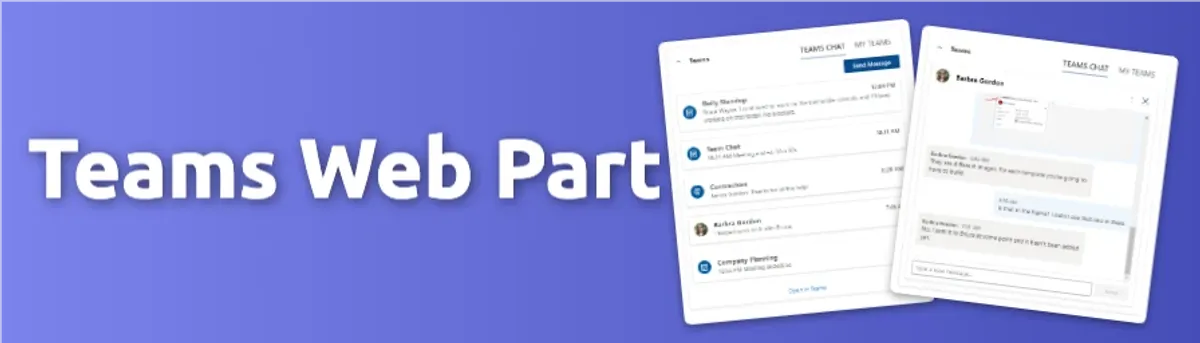
Teams Web Part
A SharePoint web part that allows users to see Teams conversations, and send and respond to messages directly from the web part.
Key Features
- Displays Teams conversations for the current user
- Users can send and respond to messages directly from the web part
- Users can see the name, photo, and last message of each conversation
- Users can click on a conversation and have near feature parity with the Teams desktop app
Project Progress
Overview
The Teams Web Part was built as part of the personalized landing page experience, with the goal of reducing constant context switching between Outlook, Teams, and other browser tabs.
It allowed users to interact with their Teams conversations directly within SharePoint, offering near feature parity with the core Teams experience. Users could view and respond to chats without ever leaving the landing page.
Technical Details
Architecture
- Frontend: React, TypeScript, Styled Components, SharePoint Framework (SPFx), Fluent UI React
- Deployment: SharePoint Online
Features
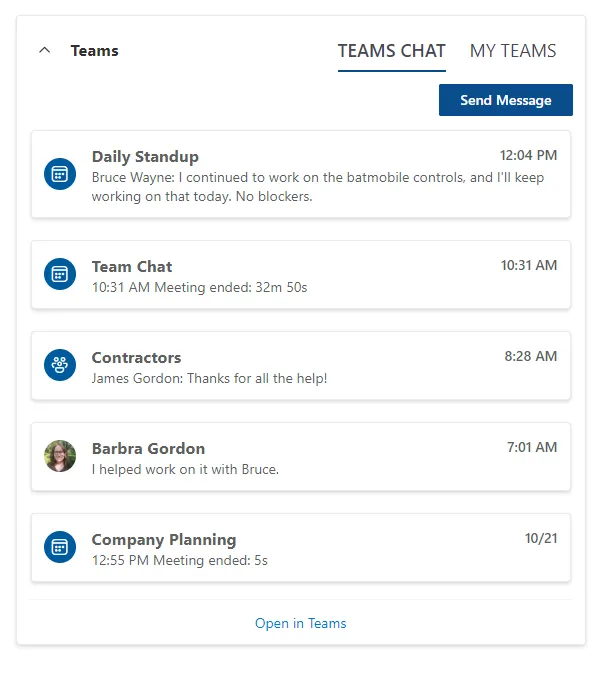
Feature 1: Displaying Teams Chats
The web part was able to display a list of the current user’s chats with the most recent chats at the top of the list. It also showed the name, photo, and last message snippet for each conversation.
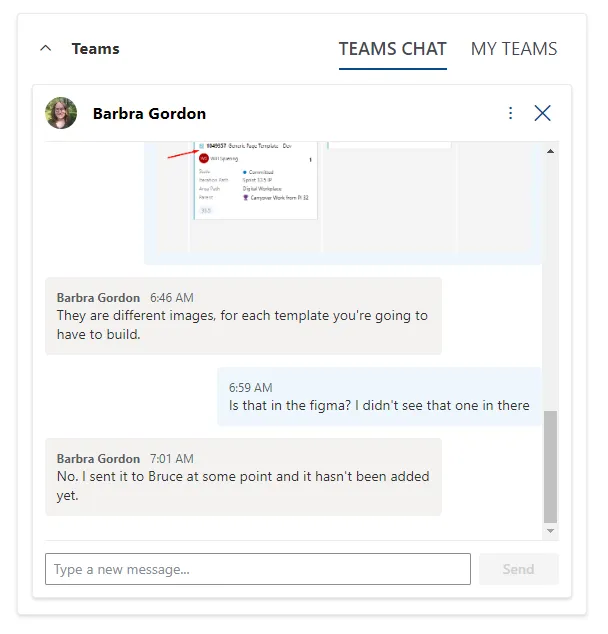
Feature 2: Sending and Responding to Messages
Users could send and receive messages just as they would in the web or desktop version of Teams. It supported images and the same core messaging capabilities, delivering a familiar experience directly within SharePoint.
Development Process
Challenges
- API Limitations: We ran into some limitations with the Teams API so we had to get creative with how we handled got the the data and displaying it.
- UX/UI: There were so many considerations to make the web part feel like the native Teams app, but we also were a small team of developers so we had to balance the needs of the product with the capabilities of the team and manage expectations because we were not building the full fledged Teams app.
Conclusion
This was an exceptionally challenging web part to build. Users expected near feature parity with Teams, but some API endpoints didn’t yet exist, and retrieving certain data wasn’t straightforward.
We weren’t building a full Teams client. The goal was a focused, lightweight web part that delivered what users needed without overwhelming the interface. Striking that balance between capability and clarity was one of the hardest parts of the project. It had to feel powerful, not bloated.
There were also significant UX and UI considerations across the chat experience and supporting components. It was a demanding build, but an invaluable learning experience.