Featured Links Web Part
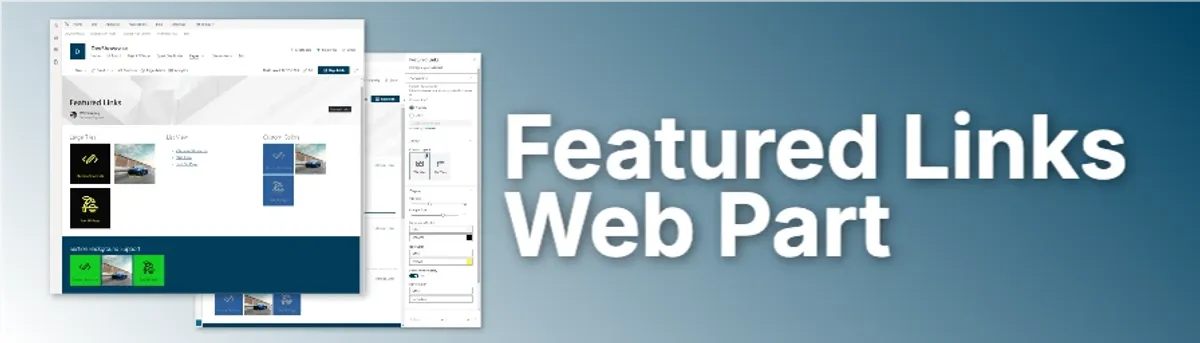
Featured Links Web Part
A SharePoint web part that displays important links from a SharePoint list.
Key Features
- Displays important links from a specificSharePoint list
- Users can see the title, description, and link of each link
- Users can click on a link to open it in a new tab
- Page editors can configure the web part to display the links in different ways
Project Progress
Overview
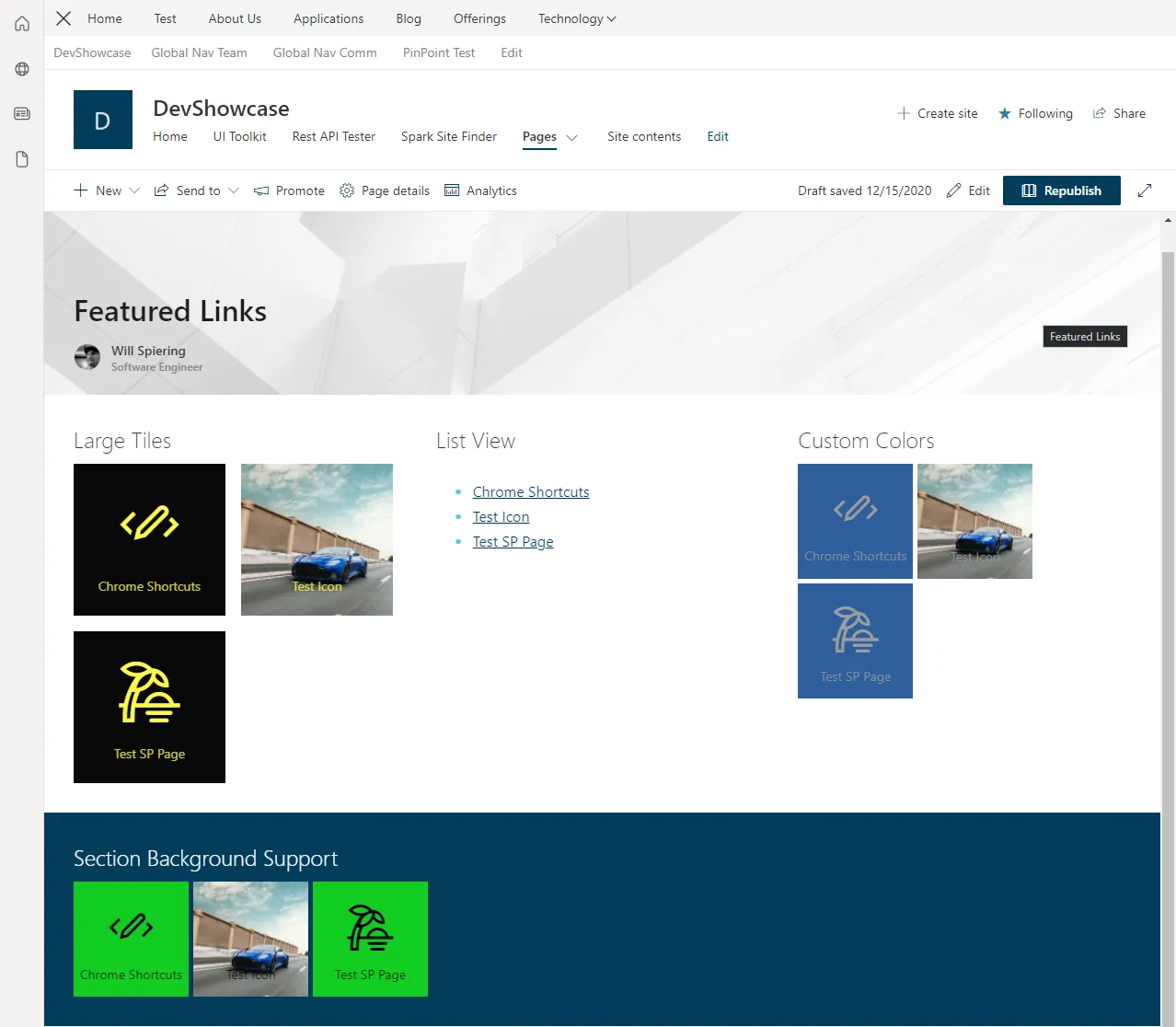
This was one of my first SharePoint Framework web parts and React projects. This was built to connect to a SharePoint list and display the links in a variety of ways. Site editors and SharePoint admins could manage the links from within a SharePoint list. They could then add the featured links web part to any page that they want. They could configure how they want those links to display, whether it was in a list of links or tiles, and they could have icons, images, and text to make the links more engaging and assist users in finding the information they need.
Technical Details
Architecture
- Frontend: React, TypeScript, Styled Components, SharePoint Framework (SPFx), Fluent UI React
- Deployment: SharePoint Online
- APIs: SharePoint REST API
Features
Highly Configurable Display Options
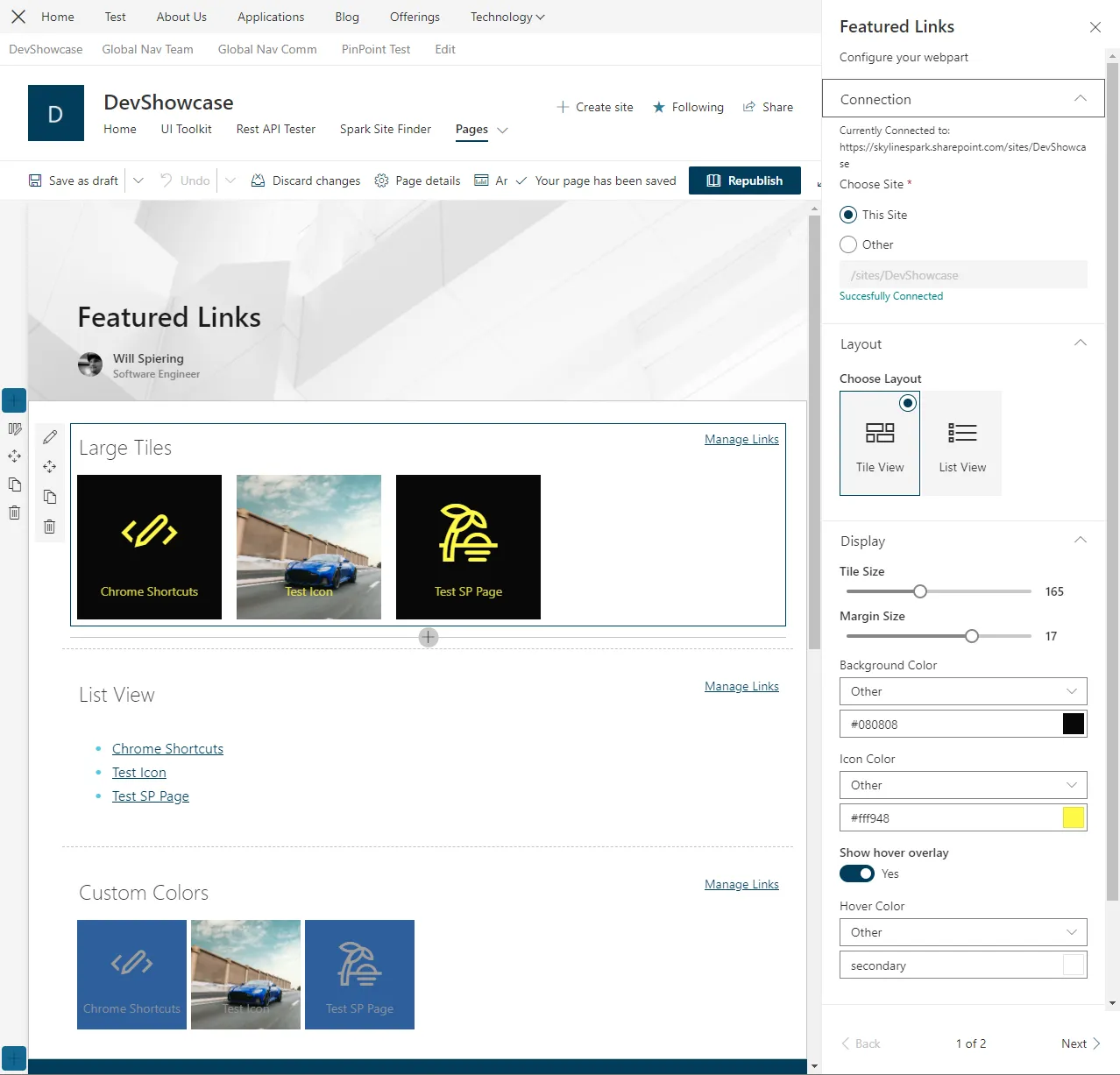
The web part had many configuration options in the property pane that allowed the page editor to configure the web part to display the links in different ways.
- Layout: List view or Tile view
- Tile size and spacing
- Handling background images
- Background color, text color, hover color, etc.
- Site and list connection
- And more…
Development Process
Lessons Learned
- This was my first React project and was also my first project with the SharePoint Framework. The team really helped me get up and running quickly with both of these technologies.
- I learned a lot about how to work with SharePoint lists and how to pull data from them.
- I really started to understand the power of reusable components and patterns in React.
- I learned about setting reasonable defaults, validation, handling errors, when to use certain values over others, and how to create a web part that is easy to use and configure.
Conclusion
This was a great experience and one of my first React and SharePoint Framework projects. I was able to learn a ton and build a web part that not only helped me learn new technologies along the way but also a product that was used by many clients and became part of our IP and something I continued to maintain and improve over my time at the company.