Dot Drop Game
Dot Drop Game
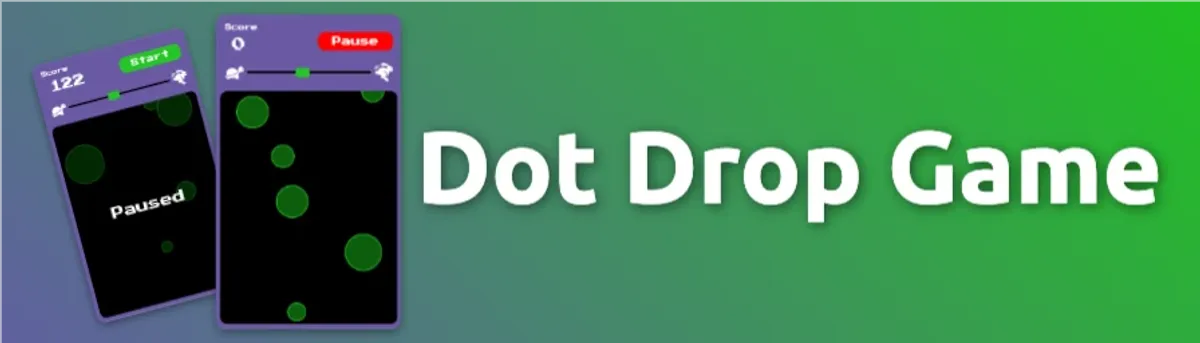
A simple game where users have to try and click on the dots as they fall from the top of the screen before they disappear off the bottom of the screen.
Key Features
- Ability to start and pause the game
- Score tracking and points awarded for each dot clicked, smaller dots are worth more points
- Ability to change the speed of the dots
Project Progress
Overview
This was a very simple game I built to practice my JavaScript skills. It is a simple game where users have to try and click on the dots as they fall from the top of the screen before they disappear off the bottom of the screen. I built it using completely vanilla HTML, CSS, and JavaScript.
Features
Feature 1: Dots Falling from the Top of the Screen
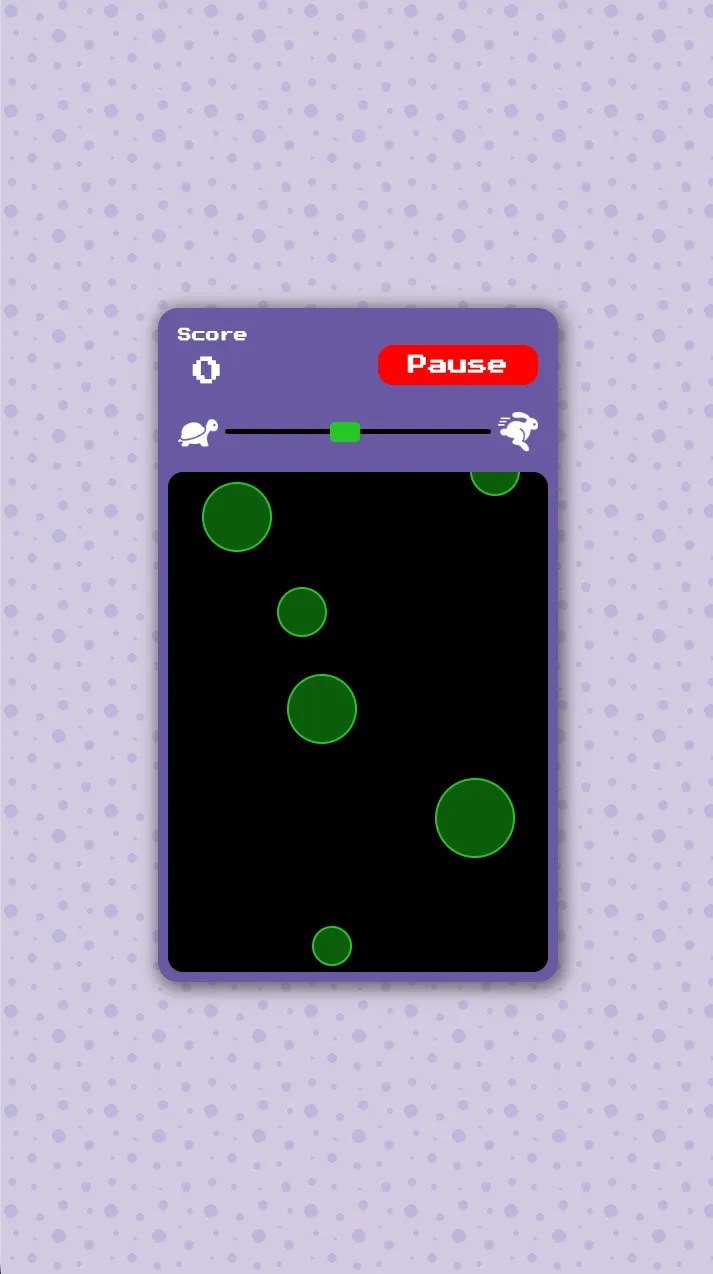
When user clicks start, the dots fall from the top of the screen and move towards the bottom of the screen. Each dot is a different size, and the smaller the dot the more points it is worth.
Feature 2: Score Tracking and Speed Control
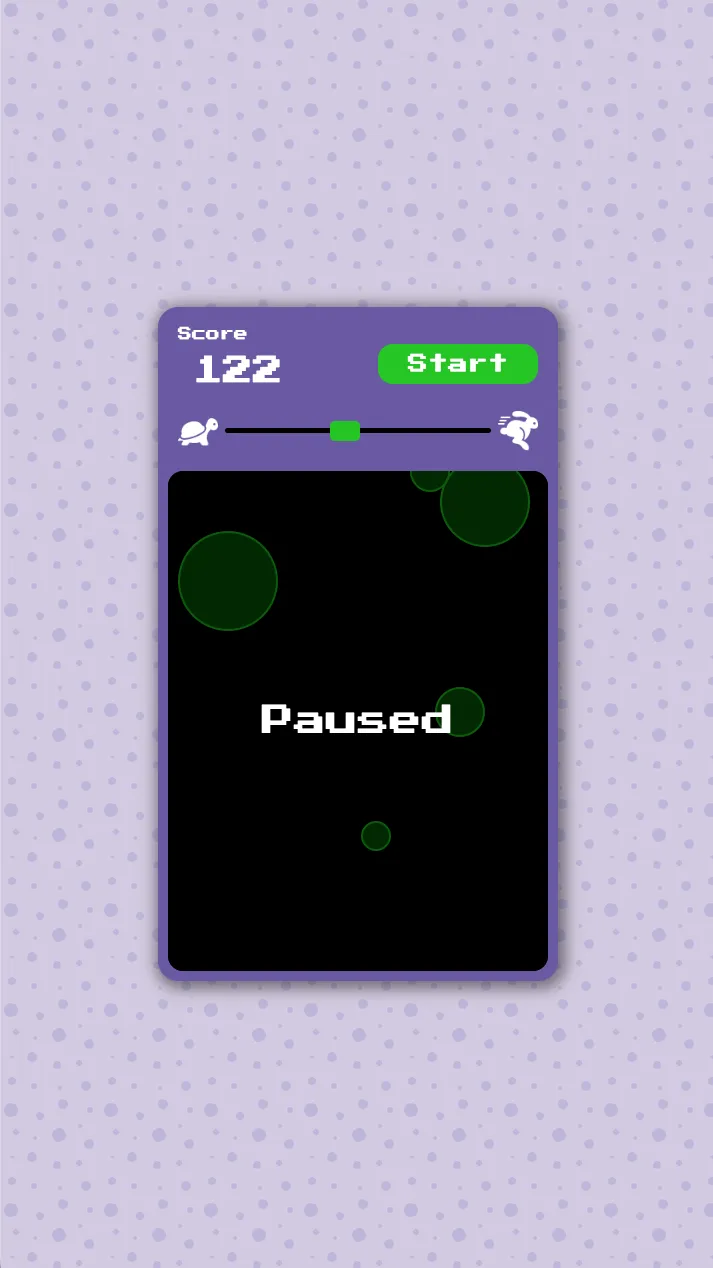
On click we update the user’s score. We also have a speed control slider that allows the user to control the falling speed of the dots at any time.
Development Process
Challenges
- Staying Vanilla: It was my first time really building a game without using any frameworks or libraries. I had to really think about all the different aspects of the game, the game state, gameplay logic, scoring, etc.
Future Enhancements
- Rewrite the game using a framework like React or Phaser
- Increase the performance of the game by using more performant strategies instead of rendering a ton of dot buttons in html
Conclusion
This was a fun little practice project to build a simple game from scratch and really made me appreciate all the work that goes into building game libraries and frameworks. I will definitley be updating this game so it is more performant and might even add more features.