Alerts Banner Web Part
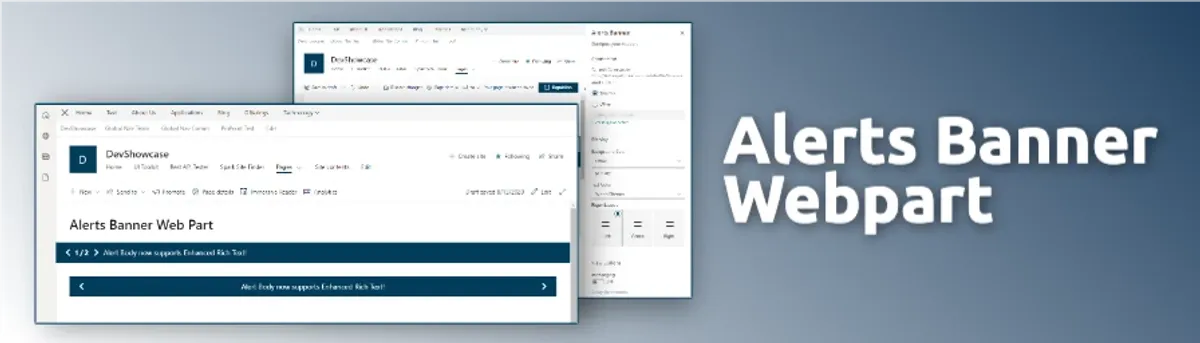
Alerts Banner Web Part
A customizable alerts banner that can be used to display important alerts to users on SharePoint sites.
Key Features
- Customizable alerts banner that can be used to display alerts to users
- Banner pulled all data from a SharePoint list
- Banner was setup as both a web part and an application customizer
- Alerts could be configured to be displayed on a specific date range and time of day
- Multiple active alerts could be displayed at the same time with pagination and auto paging
Project Progress
Overview
The Alerts Banner Web Part started as a client project and eventually became internal IP for the consulting firm I was with at the time.
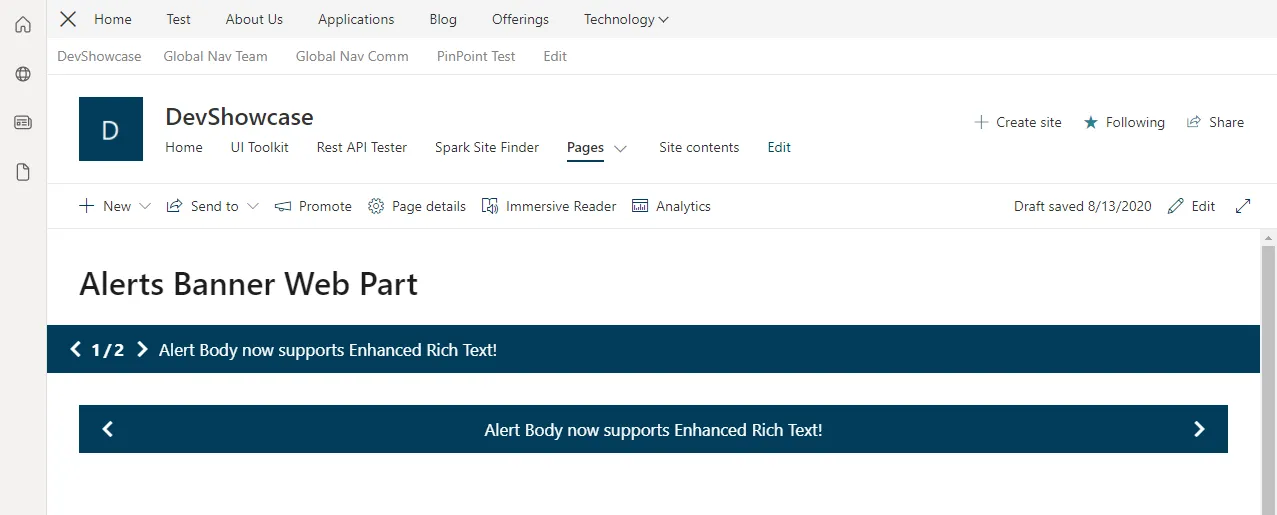
It was built to surface important notifications across SharePoint sites, and I developed it as both a web part and an application customizer. As a web part, it could be placed anywhere on a page. As an application customizer, it lived in the header above the main content.
Everything was driven by a SharePoint list, including alert text, background and text colors, links, and active date ranges. It was highly customizable, but simple enough for non-technical users to manage without breaking anything.
Technical Details
Architecture
- Frontend: React, Styled Components, SharePoint Framework (SPFx)
- Deployment: SharePoint Online
- APIs: SharePoint REST API
Features
Feature 1: Customizable Alerts Banner
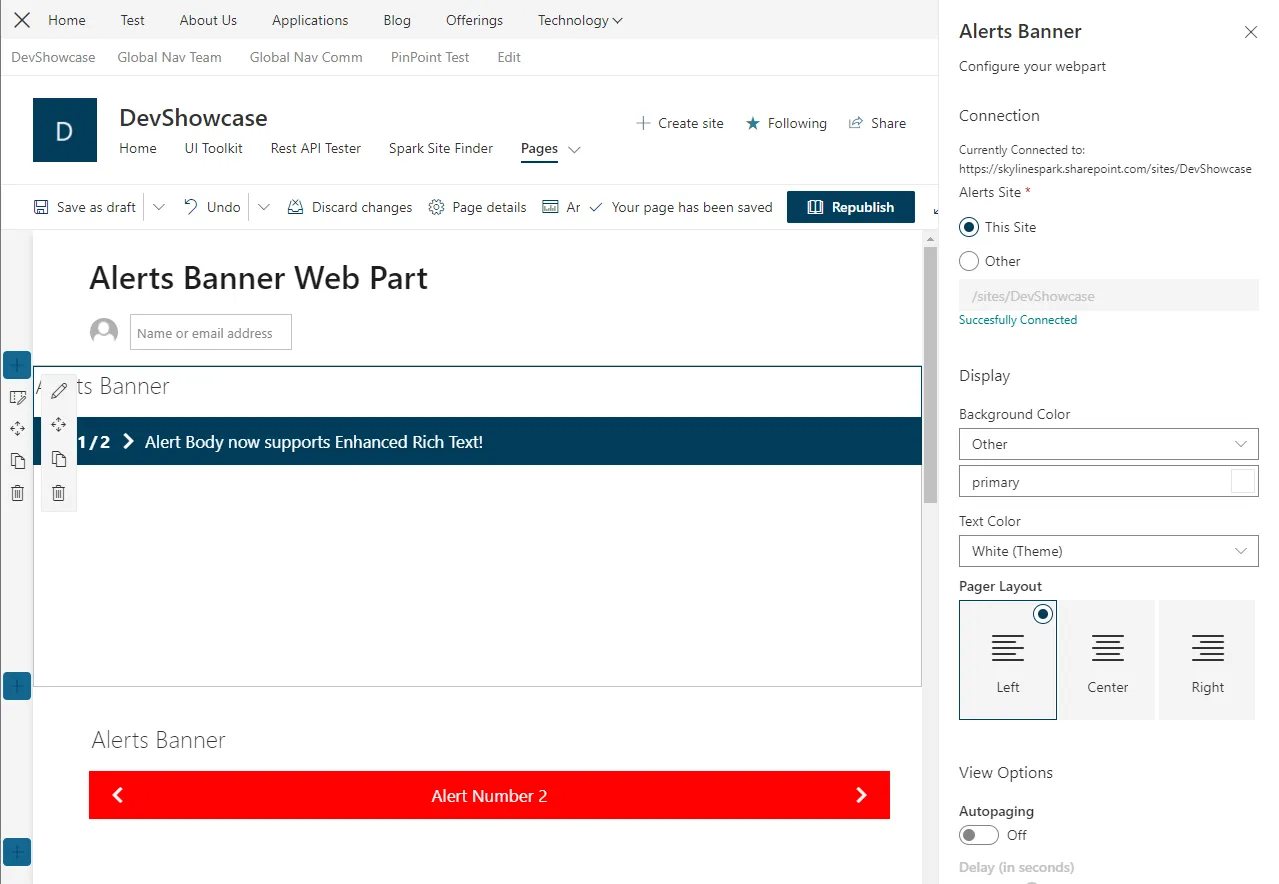
The Alerts Banner web part could be added to any sharepoint site and would pull all data from a SharePoint list. When adding the web part to a page the user had many configuration options that they could choose from.
- Background color
- Text color
- Link
- Layout
- Auto Paging
- Site and List selection
Feature 2: Application Customizer
It was also built to be an application customizer so it could be placed in the header above the main content. This allowed the banner to be displayed on every page of the site which was very useful for large organizations getting the message out to the entire organization. This was a very popular product, and needed to be configured by a developer but after the initial configuration site admins were able to manage all the alerts from within their selected SharePoint list.
Development Process
Challenges
- Working with SharePoint Lists: This was one of my first projects working with SharePoint lists and I had to learn how to work with them and how to pull data from them. In addition to working with the lists, we also needed to be able to generate the list from the web part property pane if the user wanted to create a new list.
- Ease of Use: We had to strike a balance between being able to customize and configure the alerts from in the web part property pane and also being able to manage the alerts from within the SharePoint list. It wasn’t easy but it taught me a lot about how to think about setting reasonable defaults, validation, handling errors, and when to use certain values over others.
Lessons Learned
- I learned a lot about how to work with SharePoint lists and how to pull data from them.
- I learned a lot about how to create a web part that is easy to use and configure.
- I learned a lot about how to create an application customizer that is easy to use and configure.
Conclusion
It was a great project and one of many that I built for the consulting firm for a specific client that eventually became internal IP for the firm. It was a great learning experience working with SPFx and also one of my first experiences working with React and Styled Components for a production application.